Ubuntu ISO

Downloading Ubuntu ISO files is a straightforward process that allows you to install or try out one of the most popular Linux distributions. Ubuntu provides a range of ISO files for different versions and flavors, ensuring that users can find the best fit for their needs. To get started, simply visit the official Ubuntu website or a trusted mirror site.

On the Ubuntu download page, you’ll find options for various versions, including the latest Long-Term Support (LTS) releases and the latest non-LTS releases. LTS versions are ideal for users seeking stability and extended support, while non-LTS versions offer the latest features and improvements. Choose the version that best suits your requirements and download the corresponding ISO file.

Once the ISO file is downloaded, you can create a bootable USB drive or DVD using tools like Rufus, UNetbootin, or balenaEtcher. This will allow you to install Ubuntu on your computer or run it in live mode without making changes to your existing system. With Ubuntu’s user-friendly interface and extensive community support, you’ll be ready to explore the world of Linux with ease.

Download

Windows 10 All-in-One (AIO)

Downloading a Windows 10 All-in-One (AIO) ISO file offers a convenient way to access multiple versions of the operating system from a single source. The AIO ISO file includes various editions of Windows 10, such as Home, Pro, and Enterprise, allowing users to install the version that best fits their needs without having to download separate files for each edition. This all-inclusive approach simplifies the installation process and provides flexibility for different system requirements.

To download the Windows 10 AIO ISO file, you can visit trusted websites that offer official or reputable sources for software downloads. Ensure you choose a reliable platform to avoid potential security risks or corrupted files. It’s also important to verify the integrity of the ISO file using checksums or hashes provided by the source to confirm that the file has not been tampered with.

Once downloaded, you can use the AIO ISO file to create a bootable USB drive or DVD for installation. This versatile file format supports a range of installation options, from clean installs to upgrades, making it a practical choice for both new setups and system repairs. With the AIO ISO, you have the flexibility to manage your Windows 10 installations efficiently.

Free All-in-One Online Converter Launches with Expanded Features

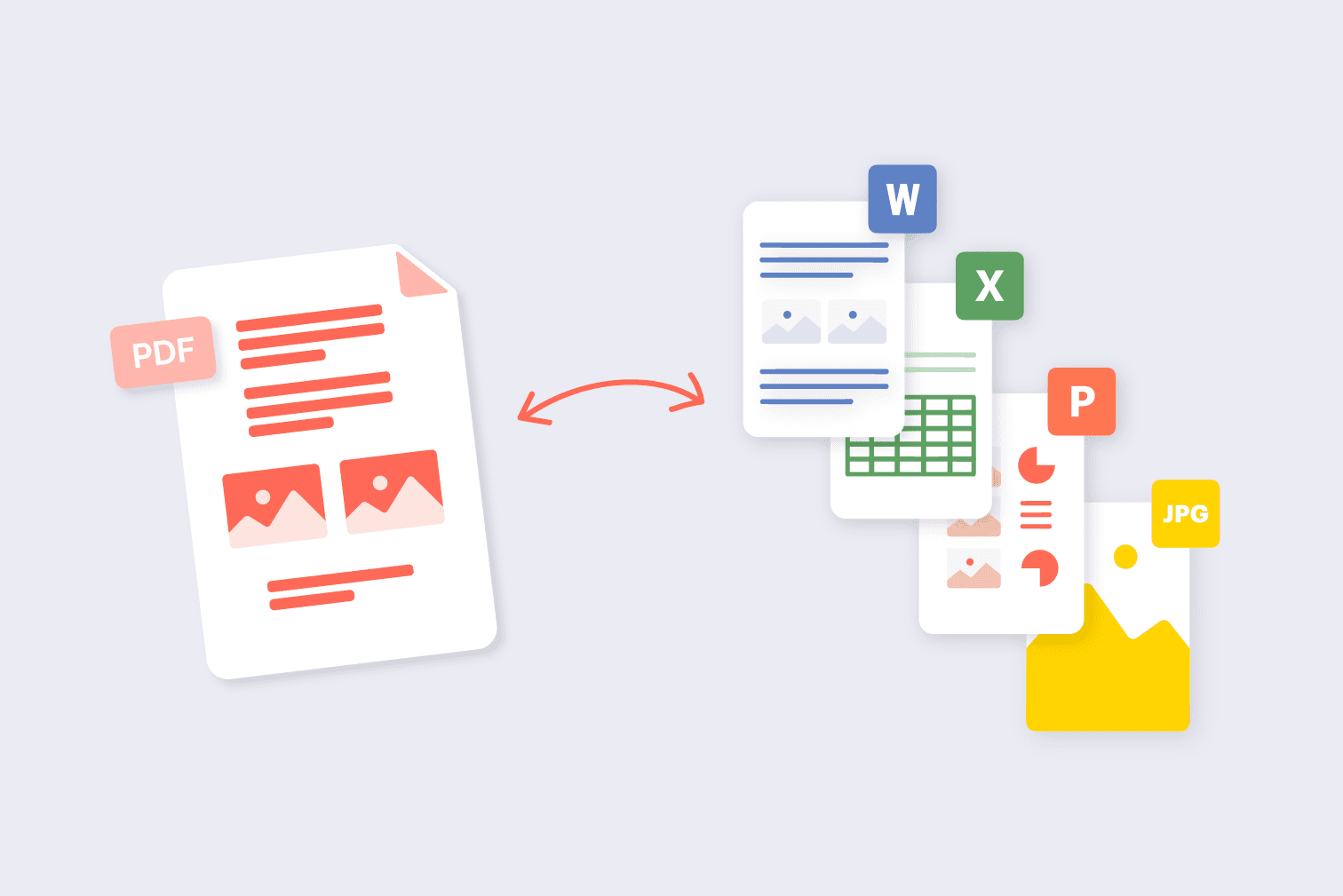
The New Free All-in-One Online Converter Tool, available at Online-Convert.com, offers a versatile solution for all your conversion needs. This user-friendly platform supports a wide range of file formats, including documents, images, audio, and video, allowing users to convert files effortlessly without needing to download any software. Its intuitive interface ensures that even those with minimal technical knowledge can perform conversions with ease.

In addition to its broad format support, the tool provides a variety of customization options. Users can adjust settings such as file quality, resolution, and encoding to tailor the output to their specific needs. This level of flexibility makes it a valuable resource for professionals and casual users alike, who require precise control over their file conversions.

The website is designed with convenience in mind, offering a seamless experience across different devices and operating systems. Whether you’re on a desktop, tablet, or smartphone, you can access the converter tool and perform conversions directly from your browser. This accessibility is further enhanced by the tool’s rapid processing times, which save users valuable time.

With its commitment to providing a comprehensive and efficient conversion service, the New Free All-in-One Online Converter Tool stands out as a go-to resource for handling various file conversion tasks. Its combination of wide format support, customization options, and user-friendly design makes it an essential tool for anyone needing reliable and efficient file conversion solutions.

Is VPN Safe for Everyday Users?

In a world where online privacy concerns are growing, Virtual Private Networks (VPNs) have become a popular tool for safeguarding personal data. For the average user, the question often arises: “Is a VPN safe to use?” The short answer is yes, but the safety largely depends on the VPN service you choose. A reliable VPN can provide numerous benefits, including enhanced privacy, security, and access to restricted content. However, it’s crucial to understand how VPNs work and what to look for in a trustworthy provider.

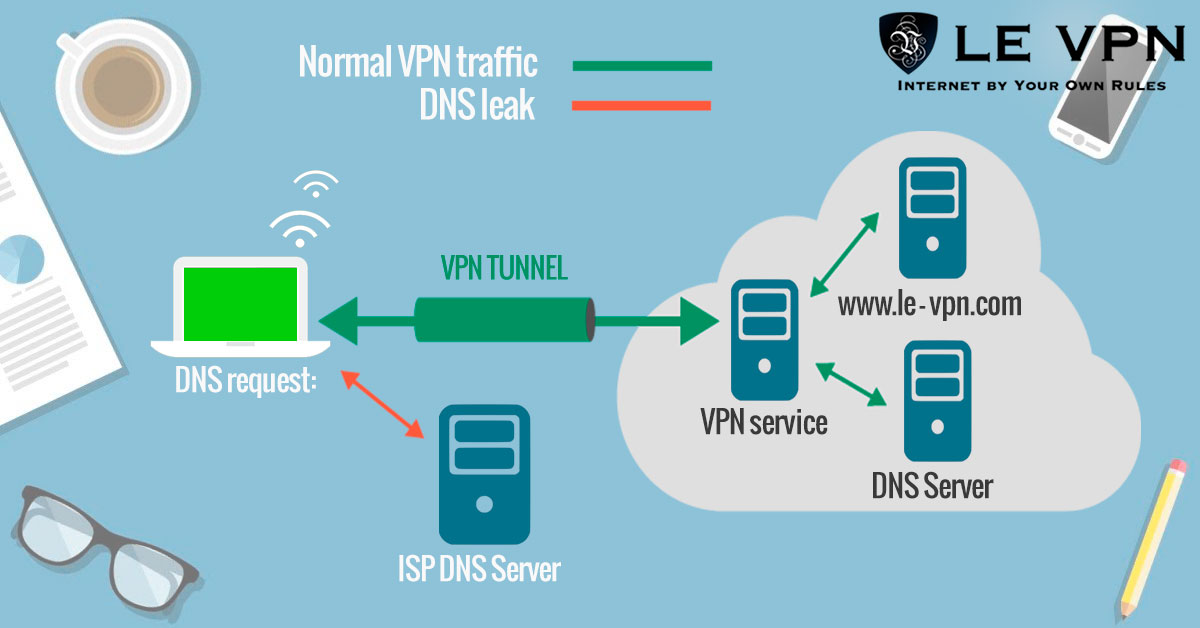
One of the primary reasons everyday users turn to VPNs is for the added security they offer. A VPN encrypts your internet connection, making it difficult for hackers and other third parties to intercept your data. This is particularly beneficial when using public Wi-Fi networks, which are notoriously vulnerable to cyberattacks. With a VPN, your personal information, such as passwords, credit card details, and browsing history, remains protected from potential threats.

However, not all VPNs are created equal. While reputable VPN services prioritize user privacy and security, some free or lesser-known VPNs may do the opposite. These services might log your online activities, sell your data to advertisers, or even contain malware. Therefore, it’s essential for users to research and choose a VPN provider that has a strong privacy policy, does not keep logs, and has positive user reviews.

Another important consideration is the legality and ethical use of VPNs. In some countries, the use of VPNs is restricted or even banned, which can lead to legal consequences if not adhered to. Additionally, while VPNs can help bypass geo-restrictions, they should not be used for illegal activities. Users should be aware of the laws in their region and use VPNs responsibly to avoid potential issues.

For the average user, VPNs also offer the advantage of accessing content that may be restricted based on geographic location. Whether it’s streaming services, news websites, or social media platforms, a VPN can help bypass these blocks by masking your IP address and making it appear as if you are browsing from a different location. This feature is especially useful for travelers or those living in countries with strict internet censorship.

In conclusion, VPNs can be a safe and valuable tool for everyday users, provided they choose a reputable service and use it responsibly. By understanding the benefits and potential risks, users can make informed decisions about their online privacy and security. As more people become aware of the importance of protecting their digital footprint, the use of VPNs is likely to continue growing, making them an essential part of modern internet usage.

Why You Should Consider Using a VPN

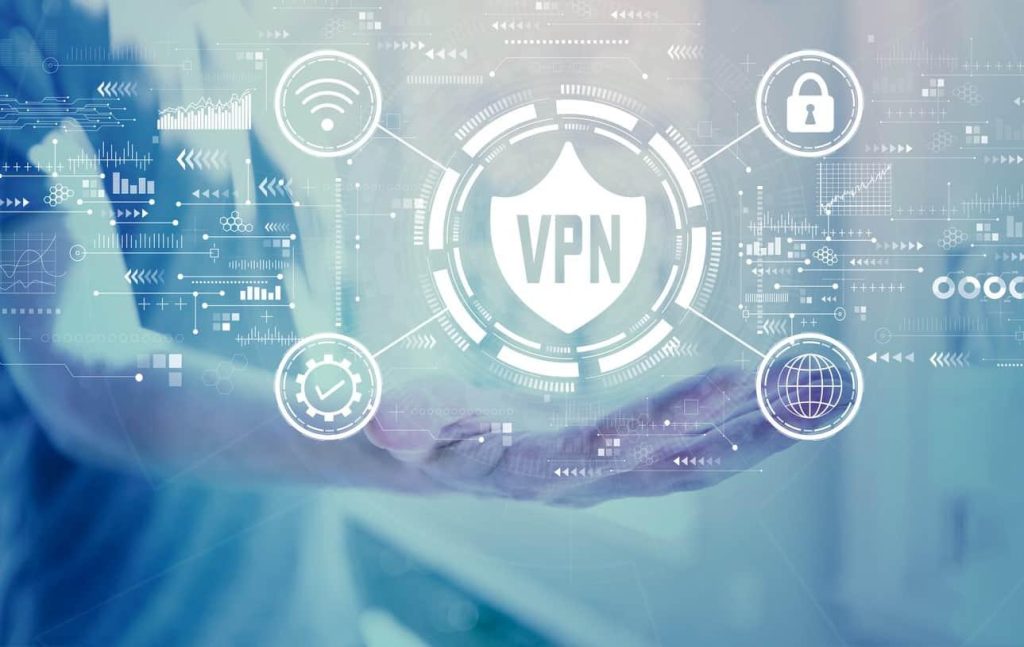
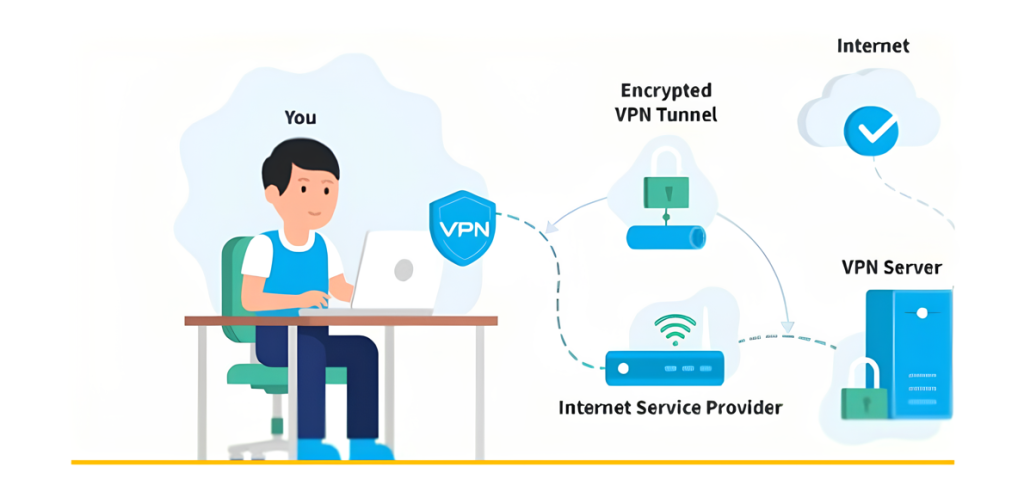
In today’s digital age, where online privacy and security are increasingly at risk, using a Virtual Private Network (VPN) has become more important than ever. A VPN creates a secure, encrypted connection between your device and the internet, helping to protect your data from prying eyes. This added layer of security is crucial for anyone who values their privacy, especially when using public Wi-Fi networks or accessing sensitive information online.

One of the primary reasons to use a VPN is to protect your personal information from hackers and cybercriminals. When you connect to the internet through a VPN, your data is encrypted, making it much more difficult for malicious actors to intercept your information. This is particularly important when you’re using public Wi-Fi networks, which are often less secure and more vulnerable to attacks. With a VPN, you can browse, shop, and bank online with greater peace of mind.

Another significant benefit of using a VPN is the ability to bypass geo-restrictions and censorship. Many websites, streaming services, and online platforms restrict access to content based on your geographic location. A VPN allows you to change your IP address to make it appear as if you’re browsing from a different location, giving you access to content that might otherwise be blocked in your region. This is particularly useful for travelers or those living in countries with strict internet censorship.

In addition to security and access, a VPN can also help you maintain anonymity online. Your internet service provider (ISP), advertisers, and even government agencies can track your online activities and build a profile based on your browsing habits. By using a VPN, you can mask your IP address and prevent these entities from tracking your online behavior, helping you maintain a higher level of privacy.

Finally, using a VPN can also improve your overall internet experience. Some ISPs throttle your internet speed when they detect certain activities, like streaming or downloading large files. With a VPN, your ISP won’t be able to monitor your activities as easily, potentially resulting in faster and more consistent internet speeds. Whether you’re streaming, gaming, or simply browsing the web, a VPN can enhance your online experience by providing a smoother and more secure connection.

In conclusion, a VPN is a valuable tool for anyone who wants to protect their privacy, access restricted content, and enjoy a safer and more private online experience. Whether you’re concerned about security, want to bypass censorship, or simply want to maintain your anonymity, using a VPN is a smart choice in today’s digital world.

eSewa Surpasses 10 Million Downloads on Android


Kathmandu – Nepal’s pioneering digital wallet, eSewa, has reached a significant milestone with over 10 million downloads of its mobile app on Android. This achievement was announced by eSewa Limited through a social media post, where they revealed that the app has crossed the 10 million download mark on the Google Play Store, making it the first fintech app in Nepal to do so.

In a message of gratitude, the company stated, “Thank you to everyone who joined us for a million happy moments!”

Jagdish Khadka, the CEO of eSewa, emphasized the company’s commitment to growth, saying, “This journey of eSewa will not stop at 10 million, and we will ensure it continues.”

eSewa offers a wide range of services, including money transfers between eSewa accounts and bank accounts, payments for utilities such as electricity, water, and internet, mobile recharges, TV subscriptions, e-commerce transactions, and premium payments for various insurance companies.

Dishhome to Broadcast SAFF U-20 Championship Live on Action Sports HD

Kathmandu – The SAFF U-20 Championship football tournament, set to kick off in Kathmandu this Sunday, will be broadcast live by Dish Media Network on their Action Sports HD channel.

Action Sports HD, known for its live telecast of the AFC Challenge League qualifiers between Church Boys United and Paro FC, will now bring football fans the excitement of the SAFF U-20 Championship.

The tournament features six teams from South Asia, excluding Pakistan. Nepal, Sri Lanka, and Bangladesh will compete in Group ‘A’, while India, Bhutan, and Maldives will battle it out in Group ‘B’.

This live broadcast promises to bring thrilling football action directly to viewers across the region.